Claude Code Tutorial for Beginners

Instructor
admin
- Description
- Curriculum
- Reviews
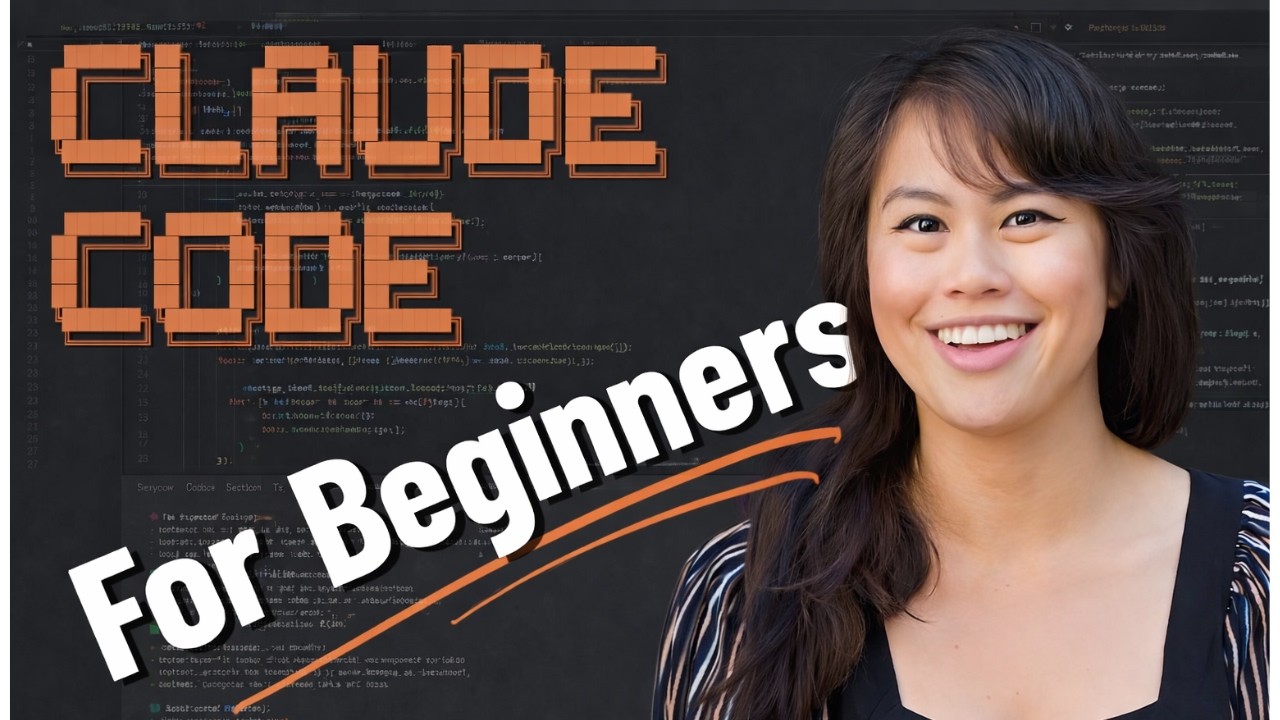
Claude Code Tutorial for Beginners
Claude Code is a powerful AI tool that lets you get real work done—from automating tedious tasks to building AI-powered applications. This comprehensive tutorial walks you through installing Claude Code on your computer, setting up your first Model Context Protocol (MCP) server, and building a complete AI social media assistant that can research topics, write content in your brand voice, create visuals, and publish to social media—all without leaving your editor.
By the end of this guide, you’ll have a fully functional AI system that handles your entire social media workflow, from ideation to publication. You don’t need any technical background to follow along. If you can use Google Docs, you can follow this tutorial.
📚 What You Will Learn
- ▶How to Set Up Your Claude.ai Account and Choose a Plan
- ▶How to Install Visual Studio Code (Your Editor)
- ▶How to Install and Activate the Claude Code Extension
- ▶How to Open Your First Project Folder in Claude Code
- ▶How to Ask Claude Code What It Can Do
- ▶How to Write Social Media Content in Your Brand Voice
- ▶How to Create a Brand Voice Guide for Consistent Content
- ▶How to Set Up an MCP Server (Blot for Social Media)
- ▶How to Create Social Media Visuals with Your MCP
- ▶How to Connect Your Social Media Accounts to Blot
- ▶How to Schedule and Publish Posts to Social Media
- ▶How to Analyze YouTube Videos and Create Content from Them
- ▶How to Understand Claude Code’s Thinking Process and Verify Accuracy
- ▶How to Switch Claude Code Models for Different Tasks
- ▶How to Manage File Editing Permissions and Approval Modes
- ▶How to Review and Edit Claude Code’s Output in VS Code
- ▶How to Ask Claude Code for Custom Workflows and Best Practices
- ▶How to Set Up a Persistent Memory File for Claude Code
Course Content
-
1
 How to Set Up Your Claude.ai Account and Choose a Plan
 -
2
How to Install Visual Studio Code (Your Editor)
-
3
How to Install and Activate the Claude Code Extension
-
4
How to Open Your First Project Folder in Claude Code
-
5
How to Ask Claude Code What It Can Do
-
6
How to Write Social Media Content in Your Brand Voice
-
7
How to Create a Brand Voice Guide for Consistent Content
-
8
How to Set Up an MCP Server (Blot for Social Media)
-
9
How to Create Social Media Visuals with Your MCP
-
10
How to Connect Your Social Media Accounts to Blot
-
11
How to Schedule and Publish Posts to Social Media
-
12
How to Analyze YouTube Videos and Create Content from Them
-
13
How to Understand Claude Code's Thinking Process and Verify Accuracy
-
14
How to Switch Claude Code Models for Different Tasks
-
15
How to Manage File Editing Permissions and Approval Modes
-
16
How to Review and Edit Claude Code's Output in VS Code
-
17
How to Ask Claude Code for Custom Workflows and Best Practices
-
18
How to Set Up a Persistent Memory File for Claude Code
Please, login to leave a review
Course details
Lectures
18
Popular courses