How to Run OpenClaw for Free with Kimi 2.5 (Full Setup)

Instructor
admin
- Description
- Curriculum
- Reviews
How to Run OpenClaw for Free with Kimi 2.5 (Full Setup)
Video ID: bQuZgPc6PtQ
URL: https://www.youtube.com/watch?v=bQuZgPc6PtQ
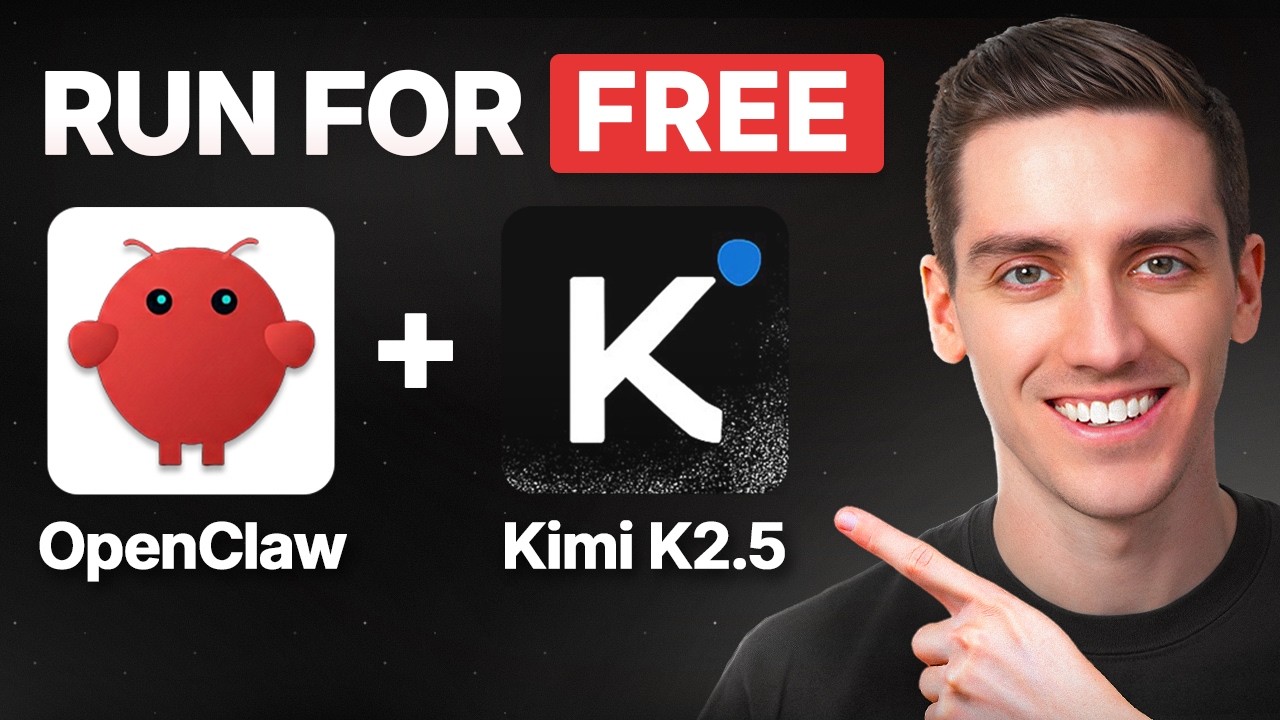
This guide covers the complete setup process for deploying OpenClaw on a virtual private server (VPS) and connecting it to the free Kimi K2.5 AI model for cost-effective autonomous workflows.
📚 What You Will Learn
- ▶How to Choose and Deploy a VPS on Hostinger
- ▶How to Save Your OpenClaw Gateway Token
- ▶How to Create a Kimi K2.5 API Key via NVIDIA Moonshot
- ▶How to Configure MOONSHOT_API_KEY in Hostinger Environment Variables
- ▶How to Deploy and Redeploy OpenClaw After Configuration Changes
- ▶How to Access the OpenClaw Dashboard and Login
- ▶How to Configure OpenClaw with Kimi K2.5 JSON Settings
- ▶How to Save and Update OpenClaw Configuration
- ▶How to Test OpenClaw Chat with Kimi K2.5
- ▶How to Create a Telegram Bot and Generate a Bot Token
- ▶How to Connect Telegram Bot to OpenClaw and Test Messaging
- ▶How to Troubleshoot Common OpenClaw and Kimi Setup Issues
- ▶Summary: Your OpenClaw + Kimi K2.5 + Telegram Setup
Course Content
-
1
 How to Choose and Deploy a VPS on Hostinger
 -
2
How to Save Your OpenClaw Gateway Token
-
3
How to Create a Kimi K2.5 API Key via NVIDIA Moonshot
-
4
How to Configure MOONSHOT_API_KEY in Hostinger Environment Variables
-
5
How to Deploy and Redeploy OpenClaw After Configuration Changes
-
6
How to Access the OpenClaw Dashboard and Login
-
7
How to Configure OpenClaw with Kimi K2.5 JSON Settings
-
8
How to Save and Update OpenClaw Configuration
-
9
How to Test OpenClaw Chat with Kimi K2.5
-
10
How to Create a Telegram Bot and Generate a Bot Token
-
11
How to Connect Telegram Bot to OpenClaw and Test Messaging
-
12
How to Troubleshoot Common OpenClaw and Kimi Setup Issues
-
13
Summary: Your OpenClaw + Kimi K2.5 + Telegram Setup
Please, login to leave a review
Course details
Lectures
13
Popular courses