Install OpenClaw on Windows THE RIGHT WAY

Instructor
admin
- Description
- Curriculum
- Reviews
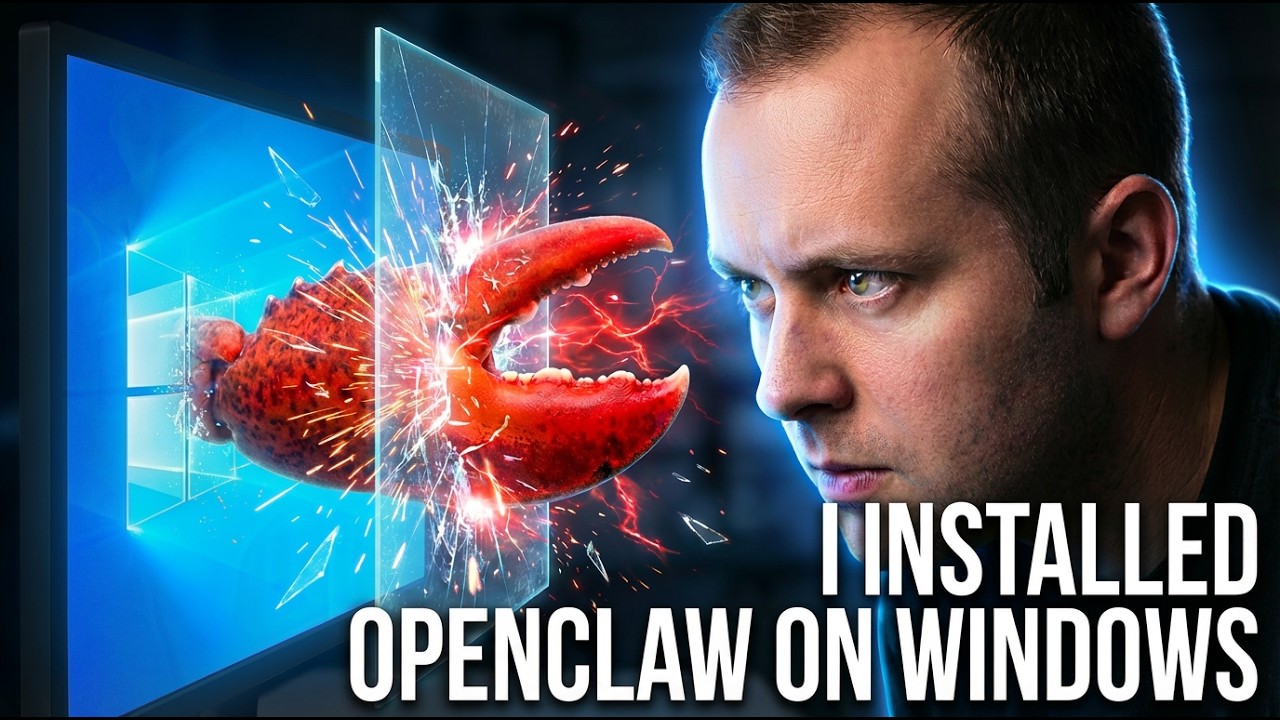
Install OpenClaw on Windows THE RIGHT WAY
Video ID: uqc_54fbsPU
URL: https://www.youtube.com/watch?v=uqc_54fbsPU
This guide covers installing OpenClaw directly on Windows using WSL2 (Windows Subsystem for Linux) with full access to your GPU and hardware resources. We’ll set up OpenClaw securely, configure it with an LLM provider, and harden the security posture of your bare metal deployment.
📚 What You Will Learn
- ▶How to Install and Check WSL Status
- ▶How to List and Install Linux Distributions
- ▶How to List and Access Installed WSL Environments
- ▶How to Install OpenClaw via One-Liner Command
- ▶How to Install Missing Dependencies (curl)
- ▶How to Configure OpenClaw with OpenAI API Integration
- ▶How to Access the OpenClaw Web Dashboard
- ▶How to Set Up Mission Control Dashboard
- ▶How to Check and Improve OpenClaw Security Score
- ▶How to Disable Windows Interop (Prevent Running Windows .exe from WSL)
- ▶How to Unmount Windows Volumes from WSL
- ▶How to Persist WSL Security Configuration Changes
- ▶How to Verify WSL Security Settings Are Persistent
- ▶Summary: Key Security Improvements Made
Course Content
-
1
 How to Install and Check WSL Status
 -
2
How to List and Install Linux Distributions
-
3
How to List and Access Installed WSL Environments
-
4
How to Install OpenClaw via One-Liner Command
-
5
How to Install Missing Dependencies (curl)
-
6
How to Configure OpenClaw with OpenAI API Integration
-
7
How to Access the OpenClaw Web Dashboard
-
8
How to Set Up Mission Control Dashboard
-
9
How to Check and Improve OpenClaw Security Score
-
10
How to Disable Windows Interop (Prevent Running Windows .exe from WSL)
-
11
How to Unmount Windows Volumes from WSL
-
12
How to Persist WSL Security Configuration Changes
-
13
How to Verify WSL Security Settings Are Persistent
-
14
Summary: Key Security Improvements Made
Please, login to leave a review
Course details
Lectures
14
Popular courses